English
  中文 (中国)
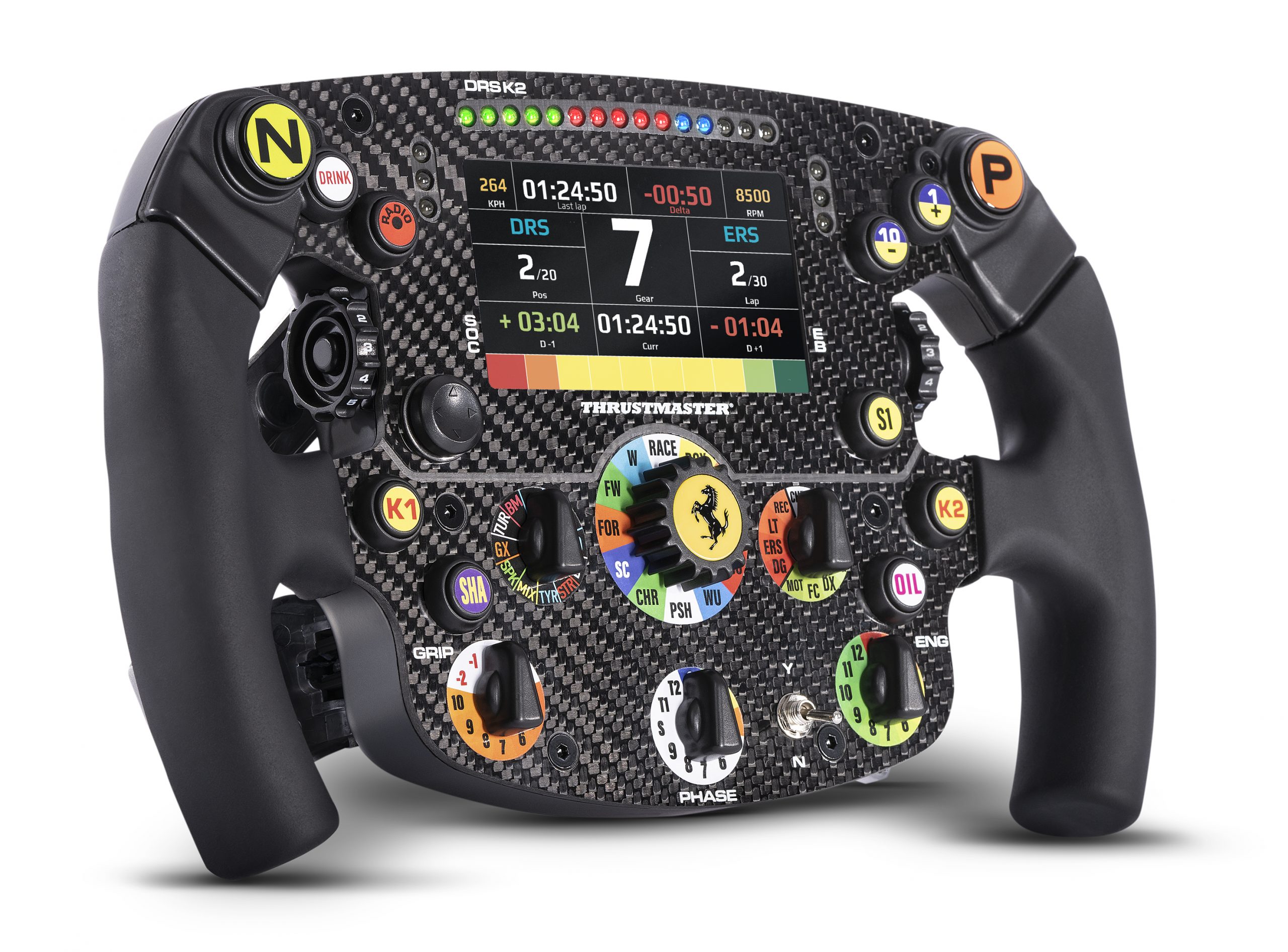
Product: Formula Wheel Add-On Ferrari SF1000 Edition
System requirements: My Thrustmaster Panel is only available on PC running Windows® 10/11 or more recent.
This article explains the steps required to update the firmware of the Formula Wheel Add-On Ferrari SF1000 Edition when using it with a Direct Drive racing wheel base (T818, T598). The update requires the My Thrustmaster Panel application.
If you are using the Ferrari SF1000 with an FFB racing wheel base (T300, TX, T‑GT/T‑GT II, TS‑XW, TS‑PC), please refer to our dedicated article: Ferrari SF1000: Firmware Update for Use with an FFB Racing Wheel Base (T300; TX; T-GT; T-GT II; TS‑XW; TS‑PC)
1. Connect the Formula Wheel Add-On Ferrari SF1000 Edition to your PC
Important: The Formula Wheel Add-On Ferrari SF1000 Edition must be detached from your racing wheel base.
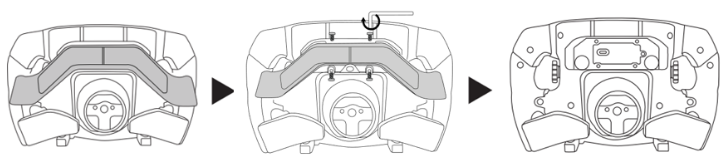
Unscrew and remove the paddle shifters on the back of the Formula Wheel Add-On Ferrari SF1000 Edition.
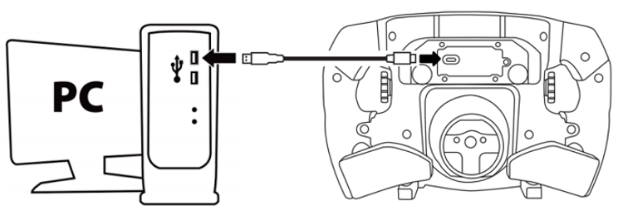
Connect the Formula Wheel Add-On Ferrari SF1000 Edition directly to a USB port on your PC using the USB‑C / USB‑A cable.
2. Open “My Thrustmaster Panel”
Your Ferrari SF1000 will not be displayed on the home screen. This is normal.
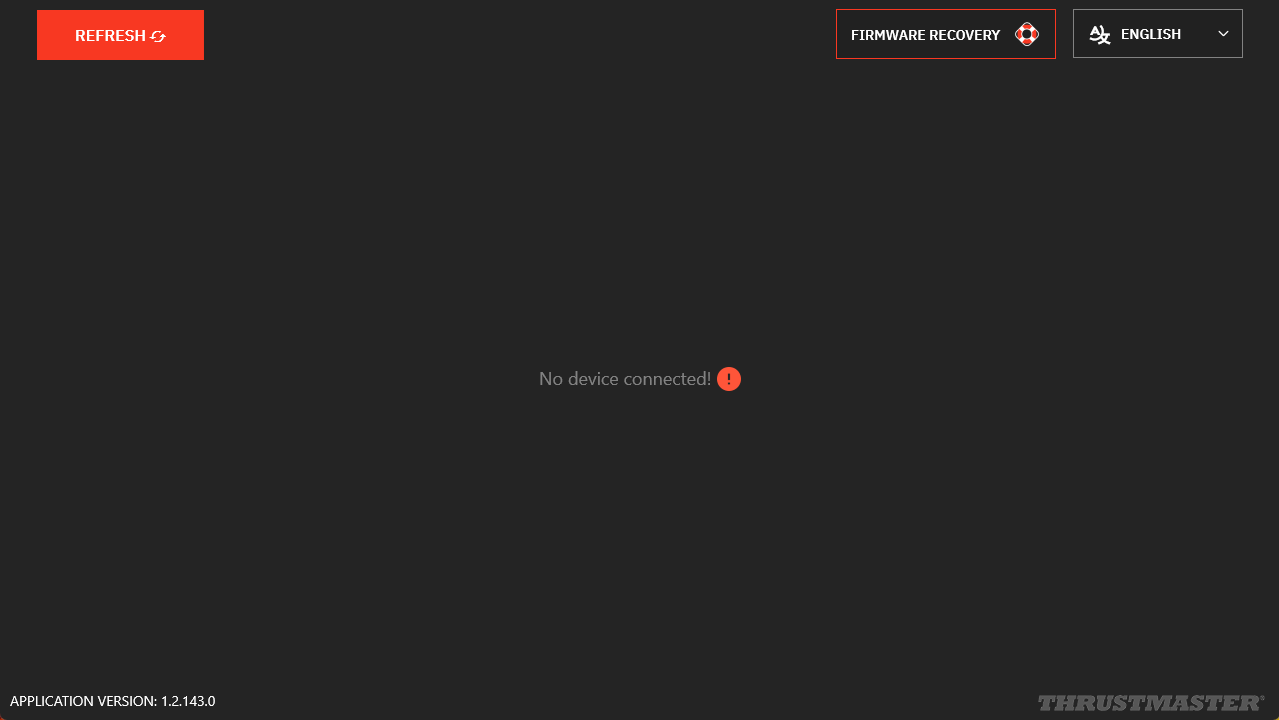
3. Click “Firmware Recovery”
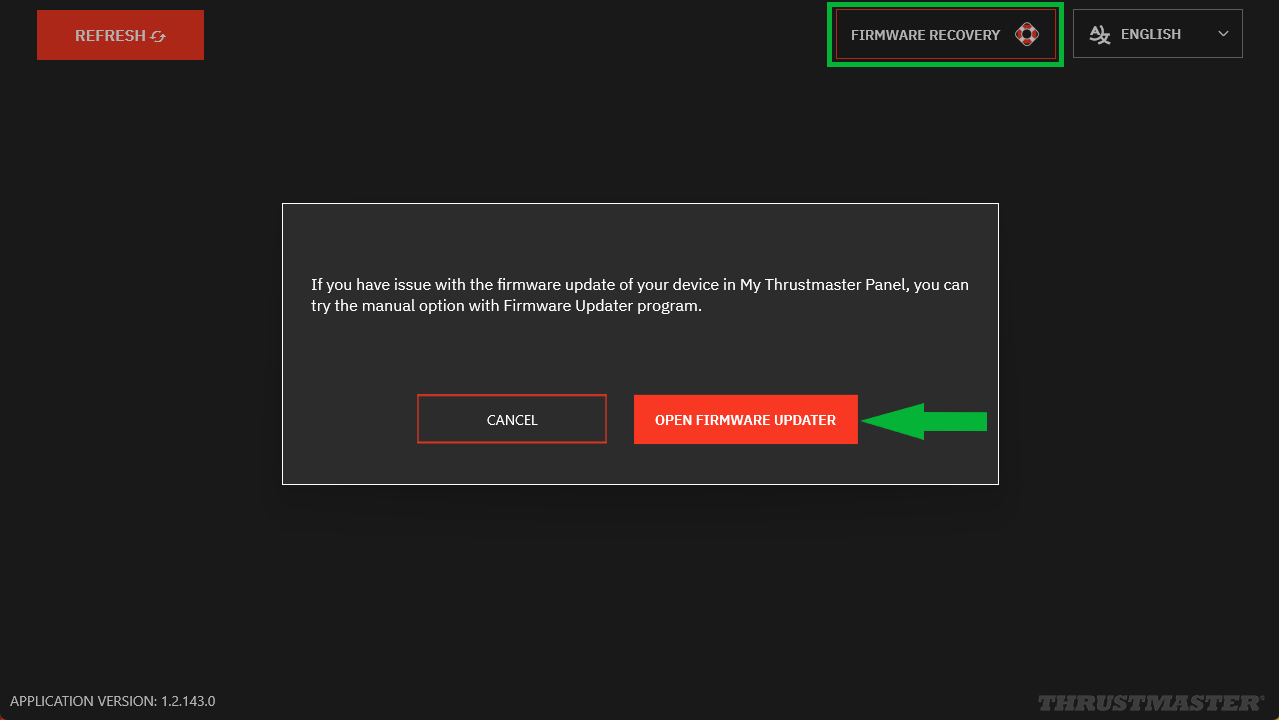
Then click “OPEN FIRMWARE UPDATER”.
4. Update process
The “Thrustmaster – Firmware Updater” window will appear:
- Device: shows the current firmware installed on your Ferrari SF1000
- Firmware: indicates the firmware version* that will be applied to the device
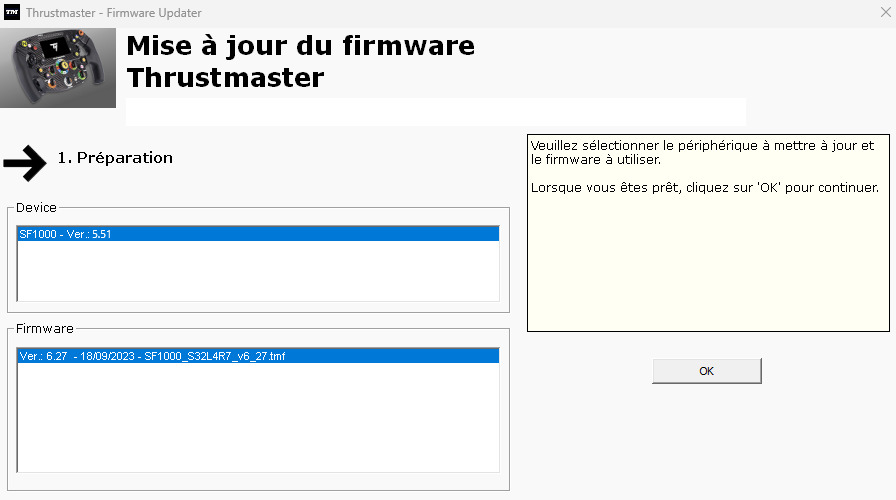
* If the firmware version displayed in Device is identical to the one shown in Firmware, your SF1000 is already up to date. You may then close both the Firmware Update application and My Thrustmaster Panel.
5. Click OK to start the update
Wait for the firmware to load and DO NOT UNPLUG the USB connectors from either the Formula Wheel Add-On Ferrari SF1000 Edition or the PC.
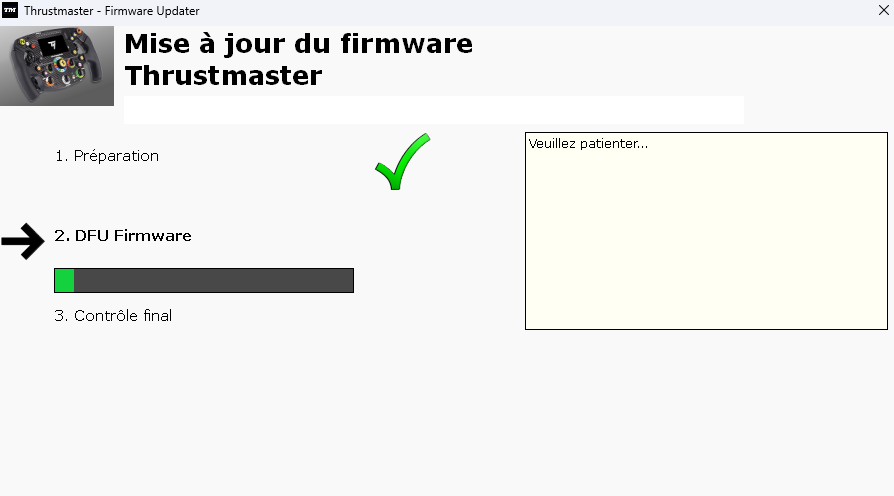
When prompted by the application, disconnect and reconnect your Formula Wheel Add-On Ferrari SF1000 Edition to validate the update.
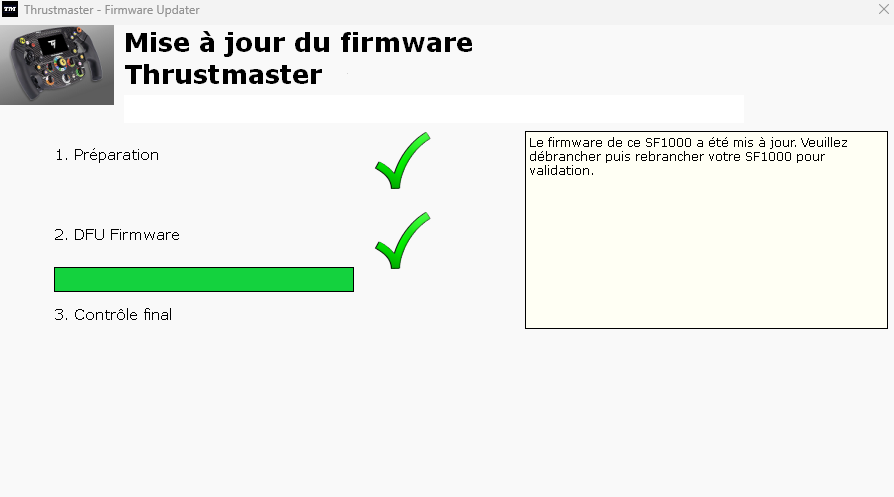
The program will inform you if the update was successfully completed.
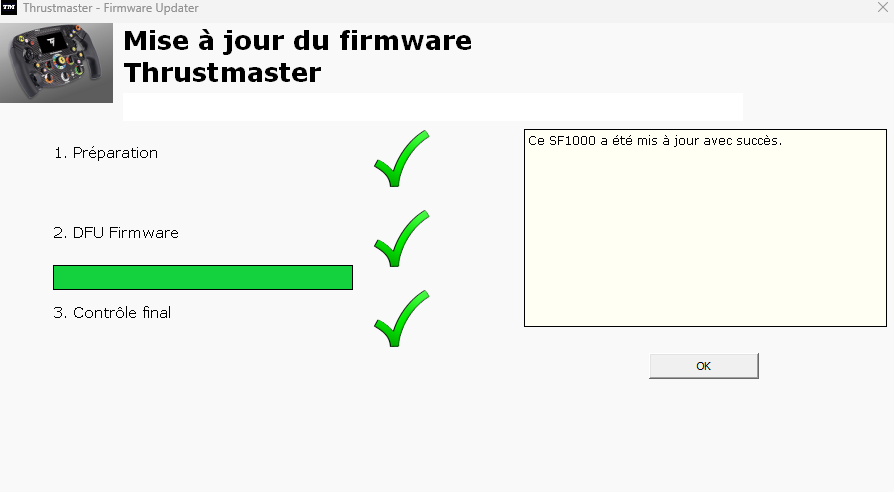
Click OK, then close both the Firmware Update program and My Thrustmaster Panel.
6. Check the firmware version on your Formula Wheel Add-On Ferrari SF1000 Edition
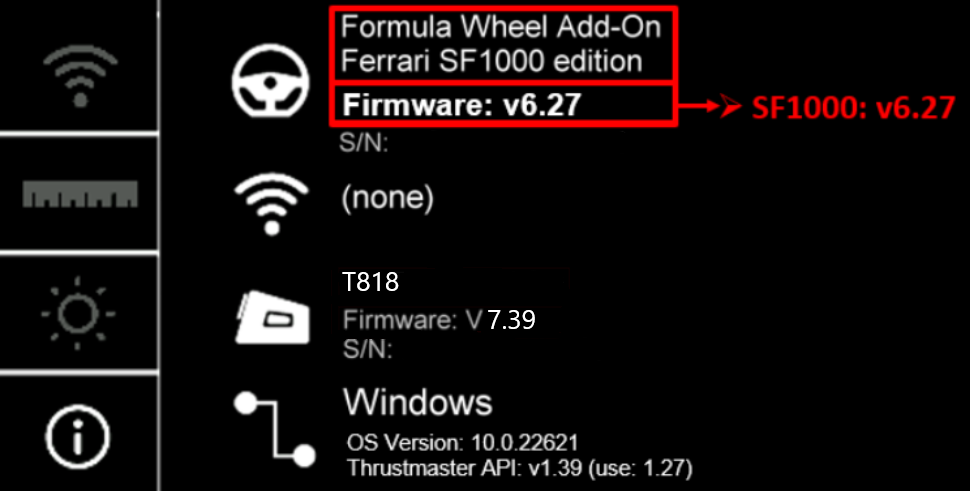
When your Formula Wheel Add-On Ferrari SF1000 Edition is connected to your racing wheel base, you can view the firmware version in the information section on the wheel’s display.