 English
  中文 (中国)
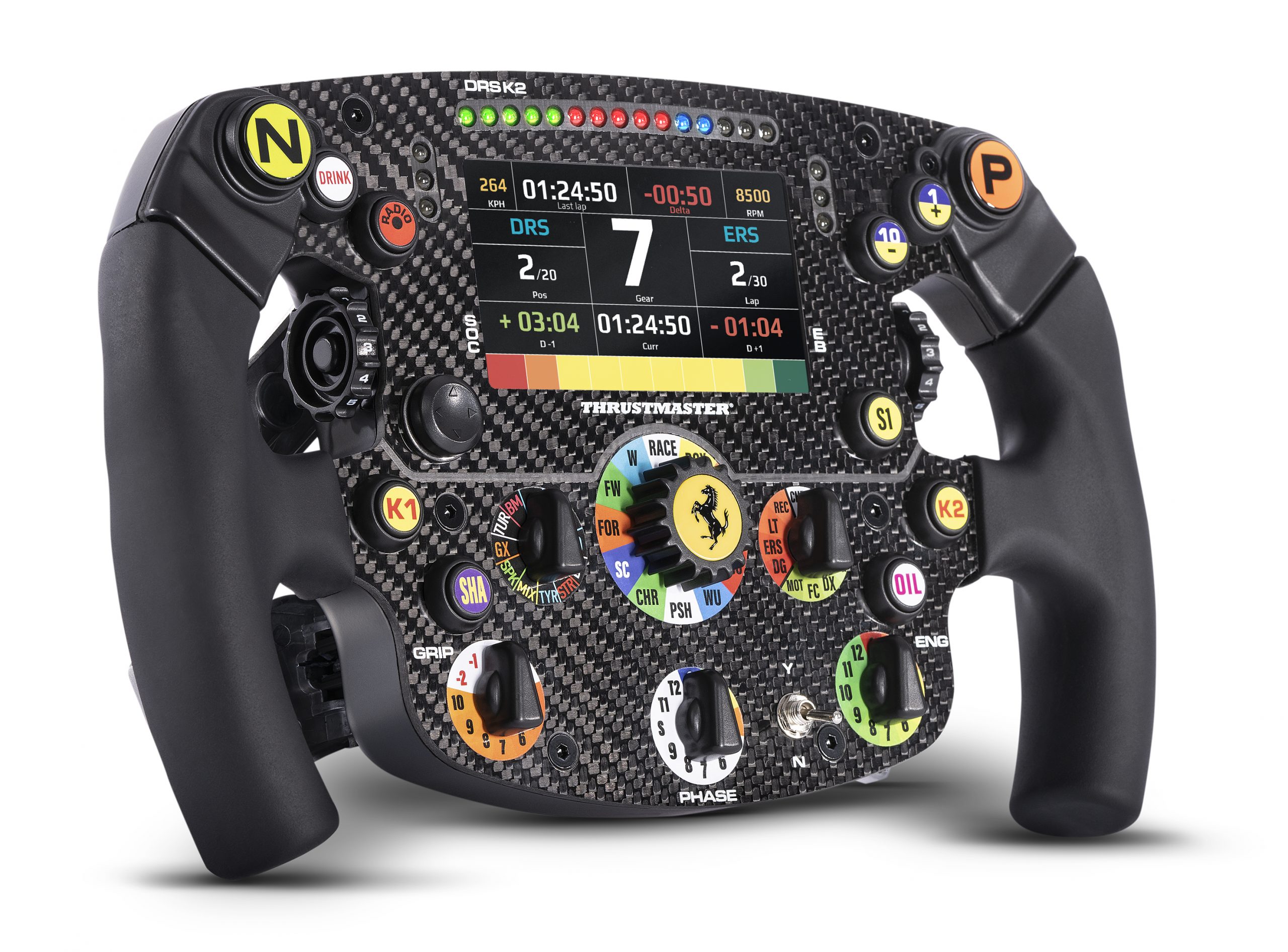
Product: Formula Wheel Add-On Ferrari SF1000 Edition
System requirements: My Thrustmaster Panel is available only on PC with Windows® 10/11 or more recent.
This article shows you the steps required to update the firmware of the Formula Wheel Add-On Ferrari SF1000 Edition when it is used with a Direct Drive racing wheel base (T818, T598).
Please install the latest version of My Thrustmaster Panel.
Important: First, make sure that your Direct Drive racing wheel base is up to date: Direct Drive wheel base update |
1. Connect the Formula Wheel Add-On Ferrari SF1000 Edition to your PC
Important: The Formula Wheel Add-On Ferrari SF1000 Editionmust be detached from the wheel base.
Unscrew and remove the gear shift paddles from the back of the Formula Wheel Add-On Ferrari SF1000 Edition.
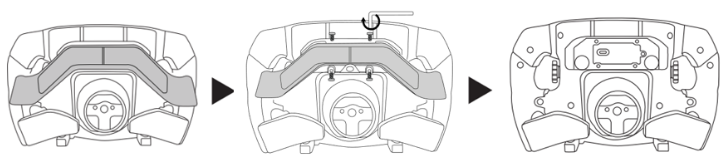
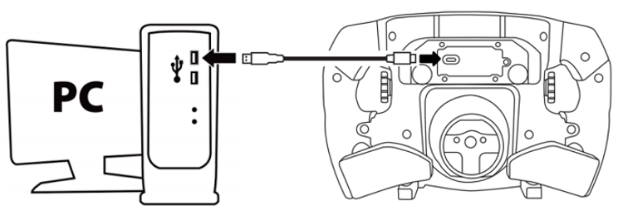
Connect the Formula Wheel Add-On Ferrari SF1000 Edition directly to a USB port on your PC using a USB‑C / USB‑A cable.
2. Open My Thrustmaster Panel
Your Ferrari SF1000 is not displayed on the home page.
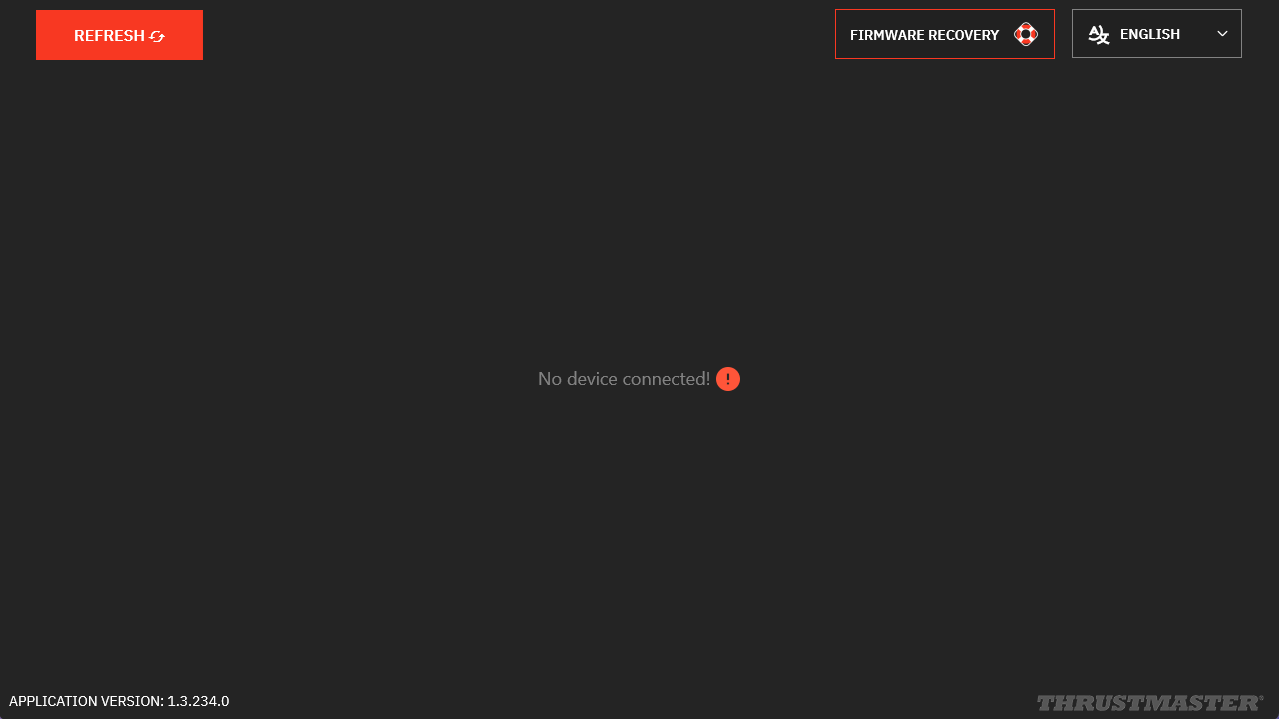
Click REFRESH to display the Ferrari SF1000.
3. Update verification
My Thrustmaster Panel must be connected to the internet to retrieve the latest updates. At the bottom of the tab, a green indicator shows “Connected”.
- If an update is available, a red message “NEW UPDATE AVAILABLE”* will appear on the icon of your Formula Wheel Add-On Ferrari SF1000 Edition.
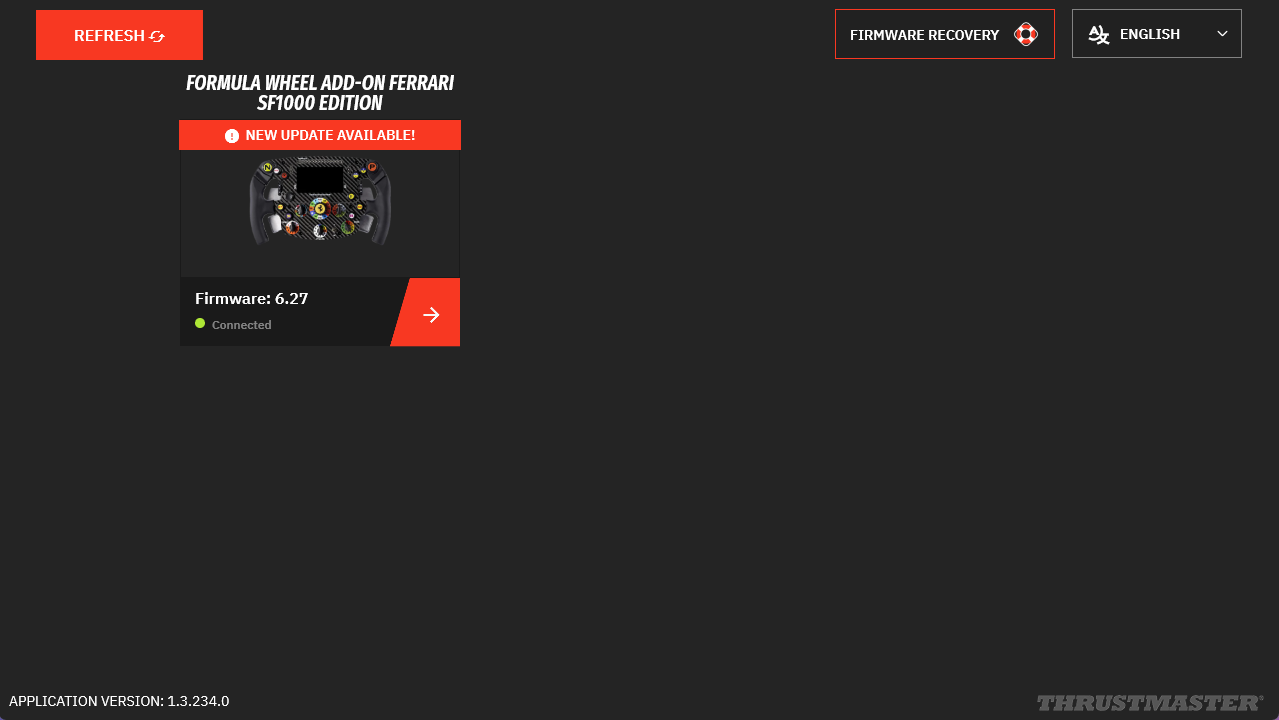
* If the icon appears without this message, your wheel add-on is already up to date. You can close My Thrustmaster Panel.
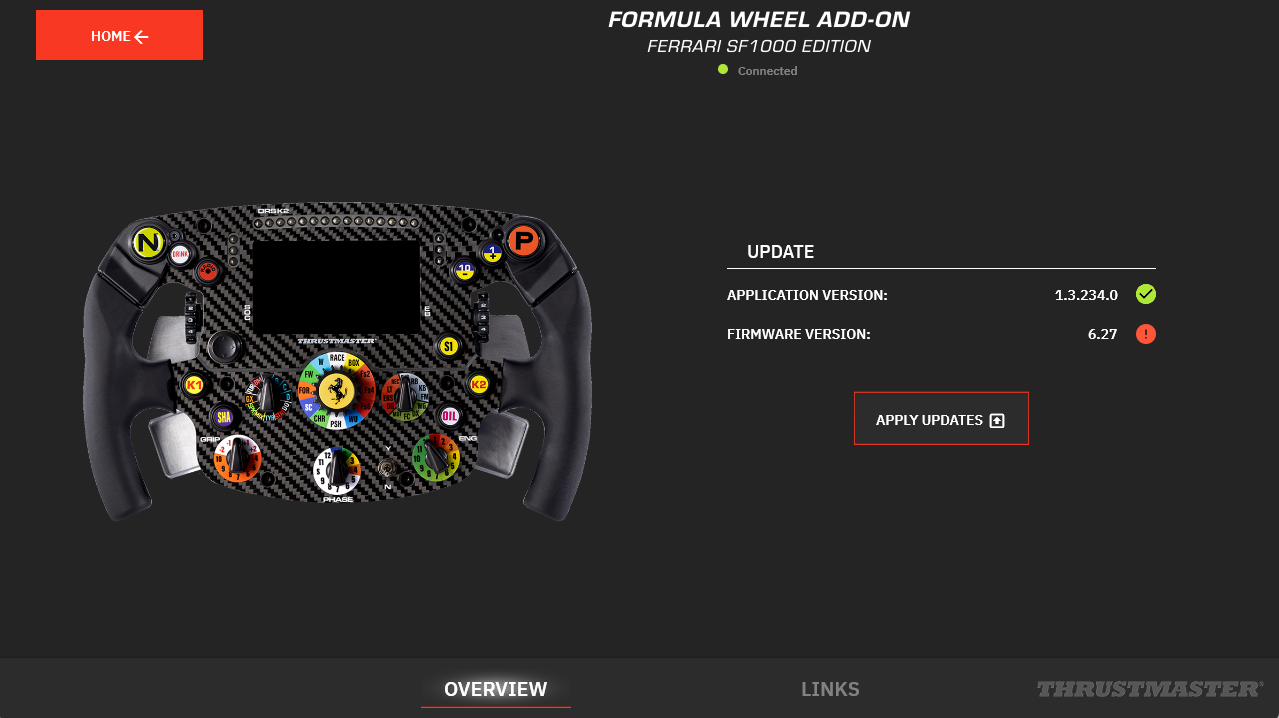
4. Click the Ferrari SF1000 icon
5. On the wheel page, in the UPDATE column, the required update appears with a red dot.
Click “APPLY UPDATES”.
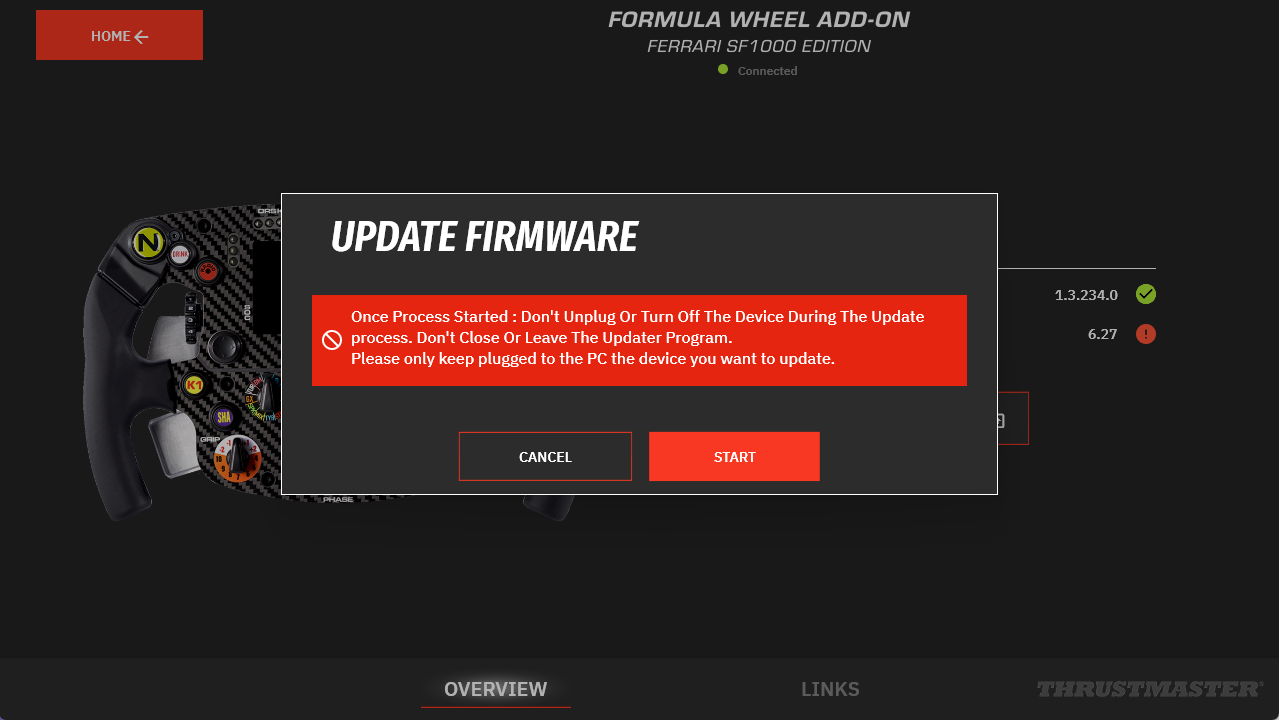
6. Follow the DO NOT UNPLUG recommendation
Click START.
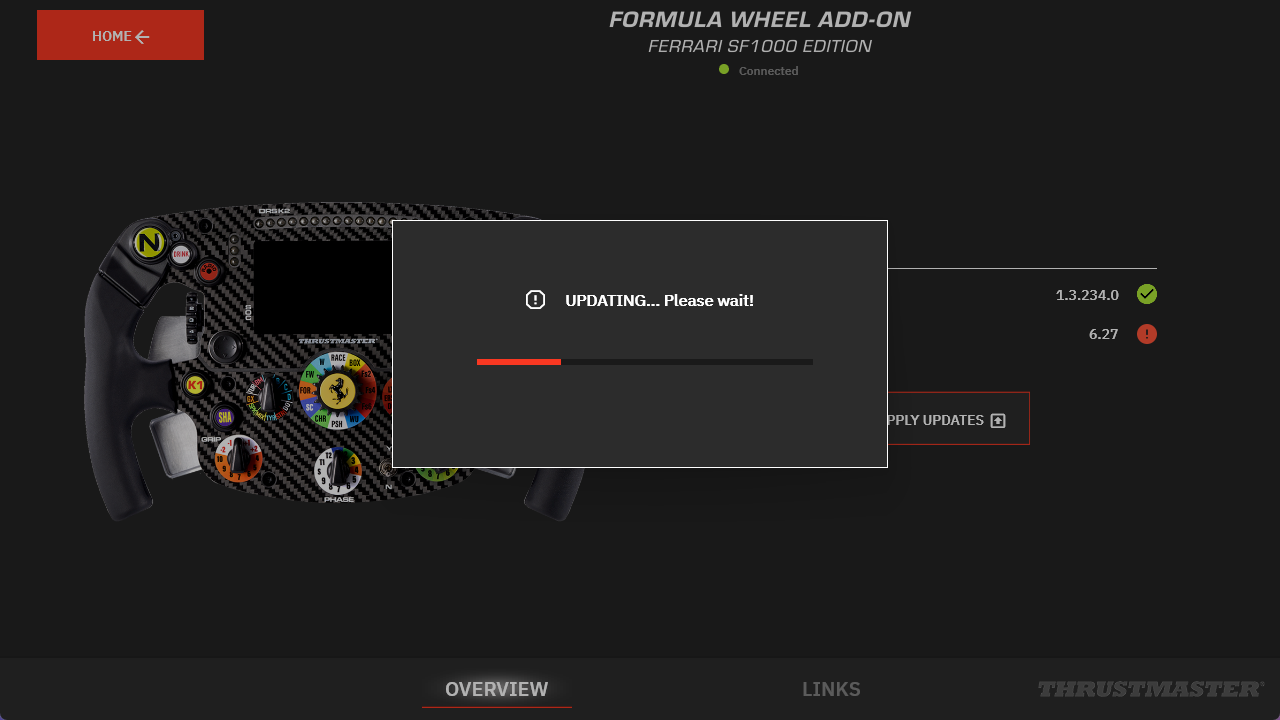
7. Wait during the update process
The update may take a few minutes.
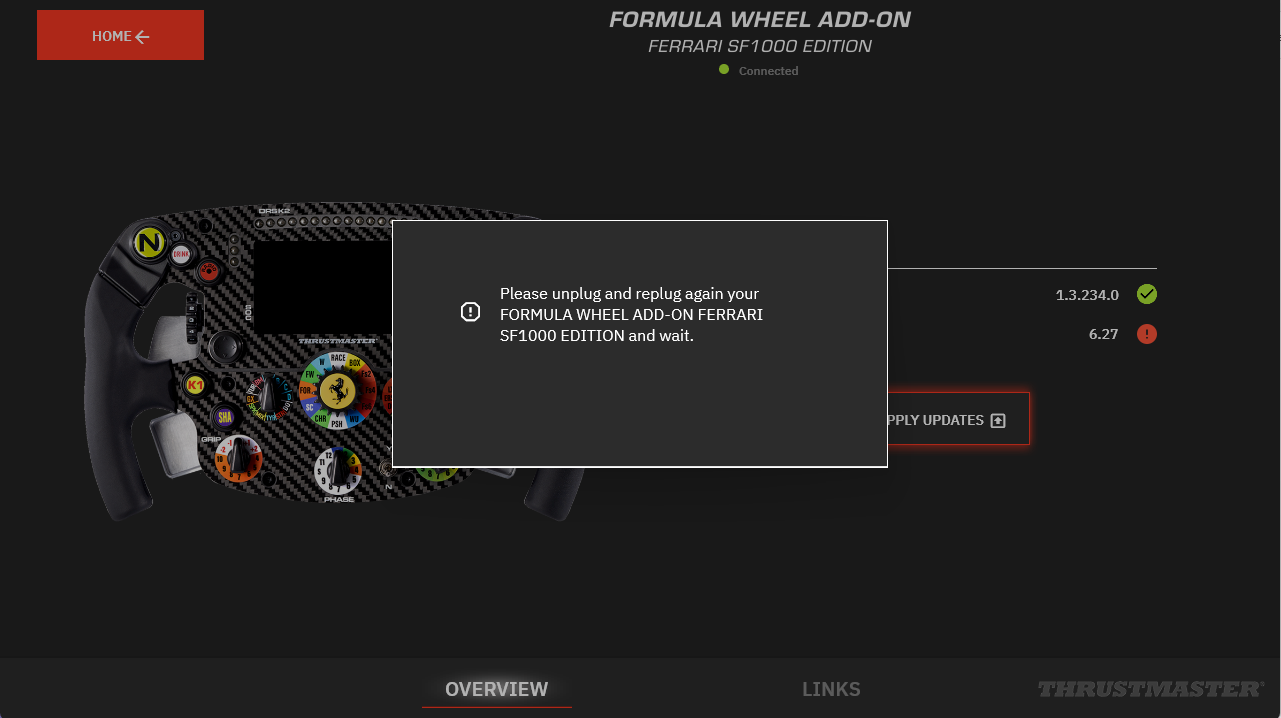
8. Unplug and reconnect your Ferrari SF1000 as instructed
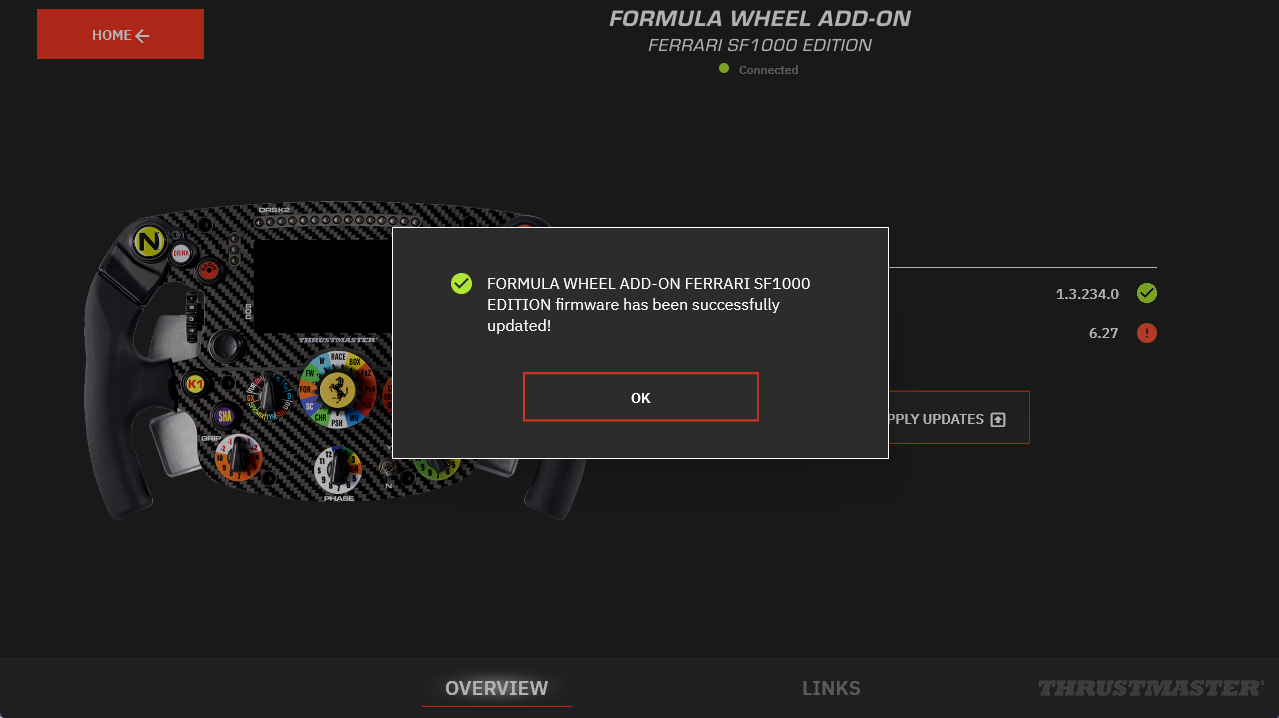
9. Update confirmation
Click OK.
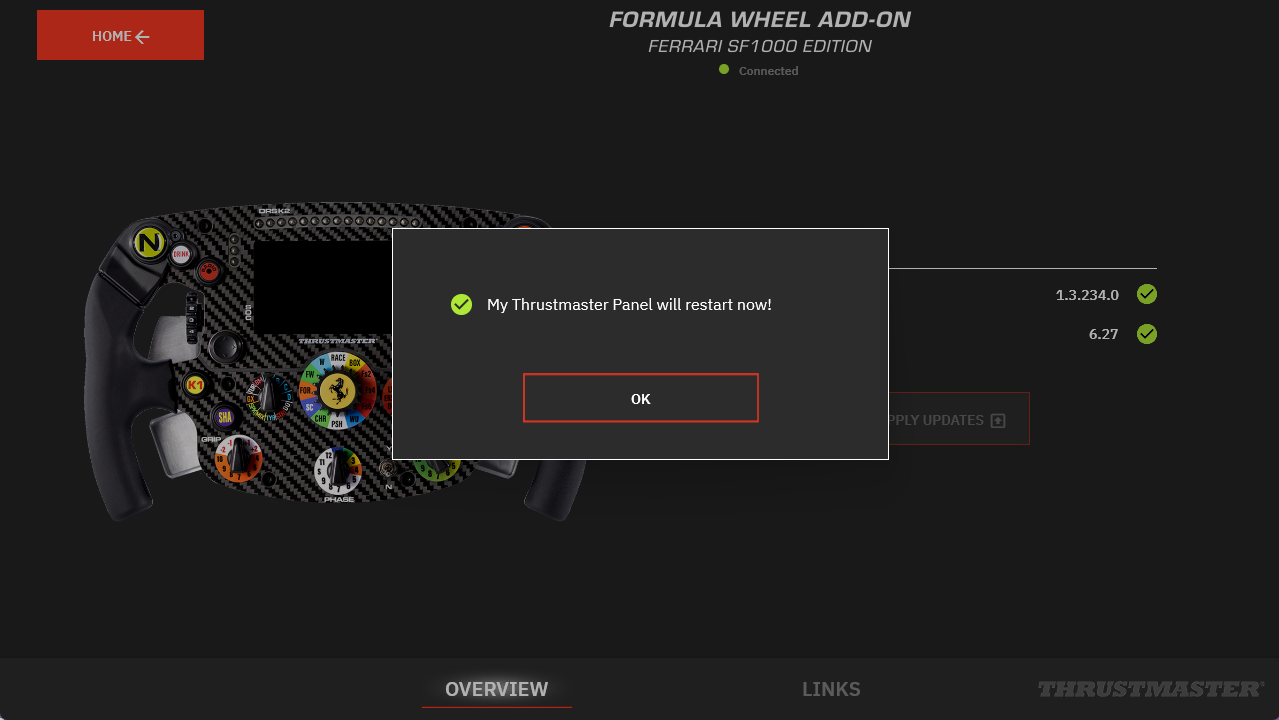
10. My Thrustmaster Panel must restart
Click OK.
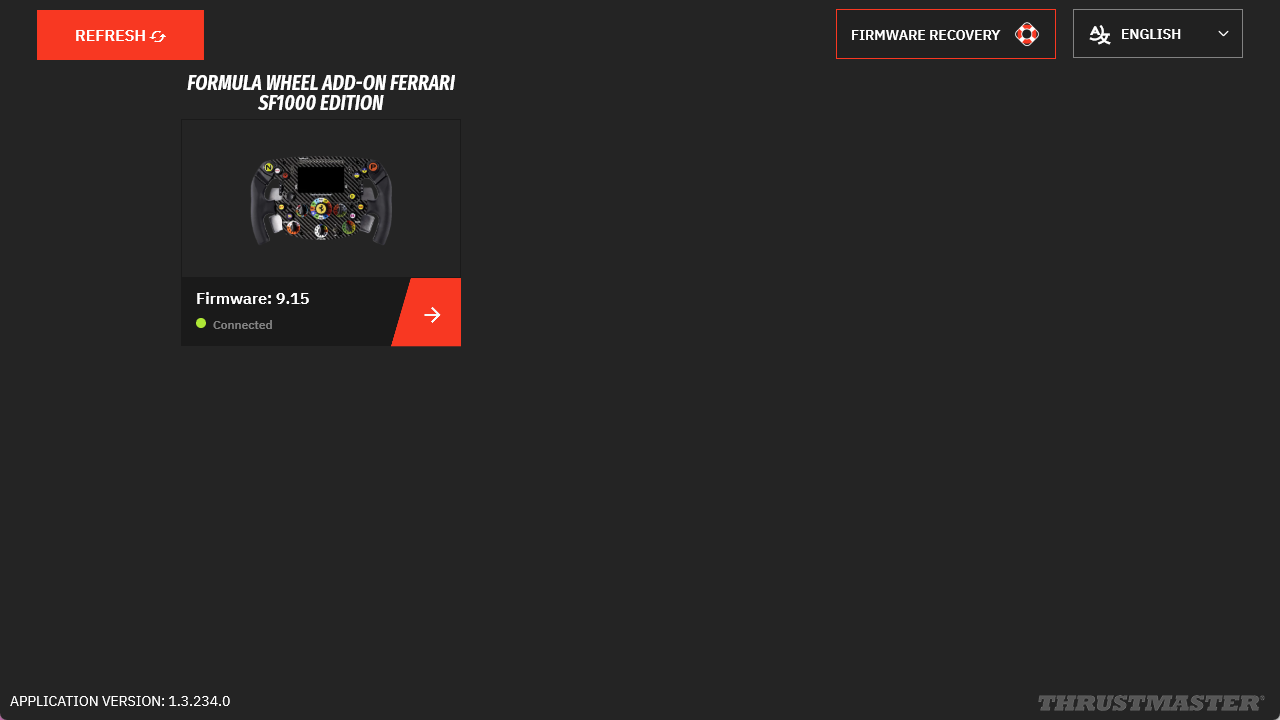
11. The update is complete
Click REFRESH.
12. Reassemble your Ferrari SF1000
Disconnect the USB cable and reassemble the connector housing.
Proceed carefully and do not force any components. Ensure the connector cables are correctly positioned and not pinched before tightening the screws.