 English
  中文 (中国)
Products: T.Flight HOTAS NEO X ; T.Flight HOTAS NEO
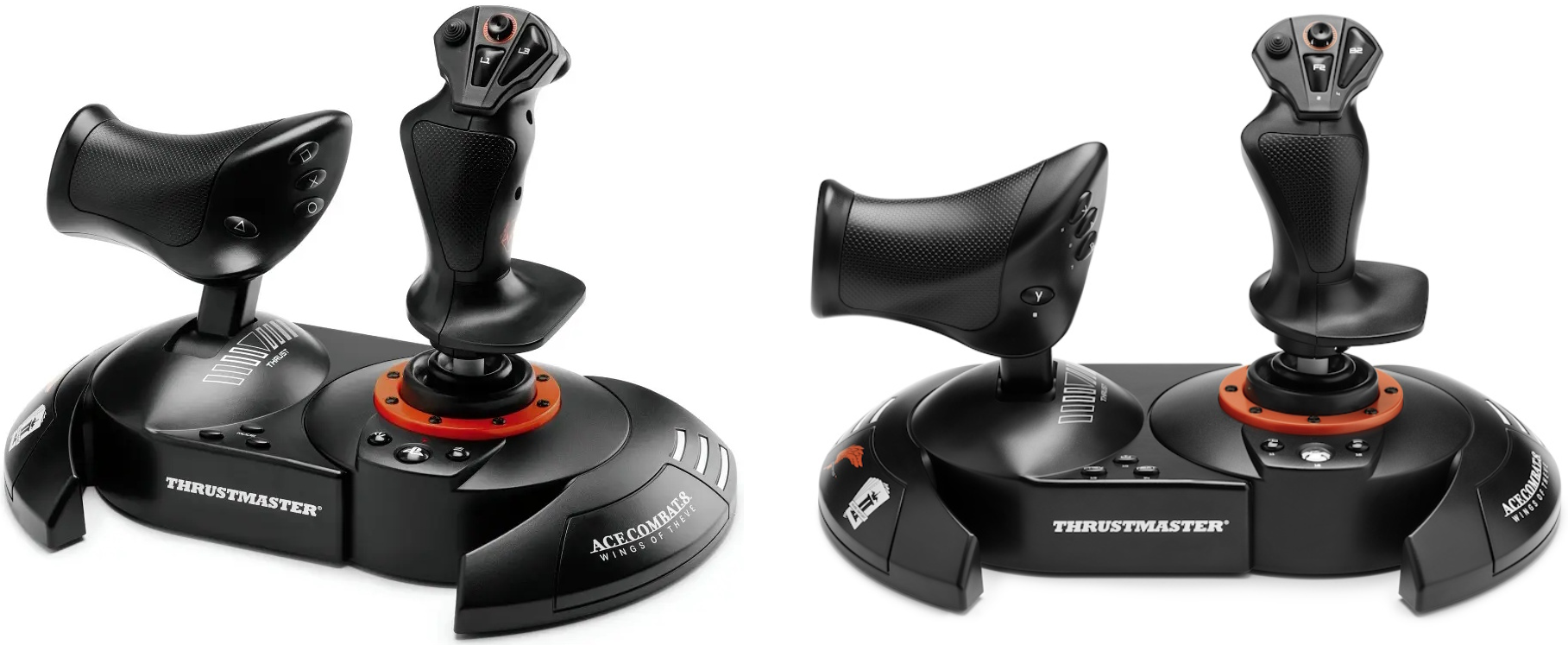
This article details the compatibility modes (NEO and Legacy) available on both the T.Flight HOTAS NEO X (PC/Xbox) and T.Flight HOTAS NEO (PC/PlayStation), their features, and how they affect product mapping.
Compatibility modes are detailed in the user manual.
Please, refer to the Compatibility Mode section:
|
Contains:
1. NEO Mode.
This is the joystick's default operating mode.
1.1 Platforms and Features in NEO Mode.
On Xbox Series X/S:
For the T.Flight HOTAS NEO X, this corresponds to the Xbox Series X/S mode described in the user manual (white LED).
On PlayStation 5:
For the T.Flight HOTAS NEO, this corresponds to the PlayStation 5 mode described in the user manual (red LED).
On PC:
For both versions, you must install the TFHT driver to enable NEO mode (green LED).
Features:
All axes are active and can be mapped.
The mini-stick is functional (depending on game support).
Vibration can be enabled (depending on game support).
1.2 Compatibility and Mapping in NEO Mode.
Compatibility in NEO Mode:
NEO mode is required for Ace Combat 8: Wings of Theve.
Additional Information:
Game Settings: T.Flight HOTAS NEO X
Game Settings: T.Flight HOTAS NEO
Microsoft Flight Simulator 2024 in NEO Mode:
In Microsoft Flight Simulator 2024, the joystick is recognized as a T.Flight HOTAS NEO X or T.Flight HOTAS NEO. To install its default mapping, you must use the Microsoft Flight Simulator Marketplace (PC, Xbox Series X|S™, PlayStation®5).
2. Legacy Mode.
This is the backward compatibility mode.
2.1 Platforms and Features in Legacy Mode.
On Xbox One and Xbox Series X/S:
For the T.Flight HOTAS NEO X, this corresponds to the Xbox One mode described in the user manual (white LED with a red LED next to the USB port).
The T.Flight HOTAS NEO X is detected as a T.Flight HOTAS One and benefits from its default in-game mapping.
On PlayStation 4 and PlayStation 5:
For the T.Flight HOTAS NEO, this corresponds to the PlayStation 4 mode described in the user manual (blue LED).
The T.Flight HOTAS NEO is detected as a T.Flight HOTAS 4 and benefits from its default in-game mapping.
On PC:
Legacy mode remains enabled by default if the driver has not been installed (red LED).
Features in Legacy mode:
The axes specific to the T.Flight HOTAS NEO X and T.Flight HOTAS NEO remain available, but some of them cannot be used.
The mini-stick becomes a duplicate of the POV hat switch and cannot be mapped in-game.
Vibration cannot be enabled.
2.2 Compatibility and Mapping in Legacy Mode.
Compatibility in Legacy Mode:
The T.Flight HOTAS NEO X benefits from the compatibility and mapping of the T.Flight HOTAS One on Xbox One, Xbox Series X/S, and PC (Game Settings).
The T.Flight HOTAS NEO benefits from the compatibility and mapping of the T.Flight HOTAS 4 on PlayStation 4, PlayStation 5, and PC (Game Settings).
Microsoft Flight Simulator 2024 in Legacy Mode:
The T.Flight HOTAS NEO X benefits from the T.Flight HOTAS One mapping on Xbox Series X/S and PC.
The T.Flight HOTAS NEO benefits from the T.Flight HOTAS 4 mapping on PlayStation 5 and PC.
Have a great flight and clear skies!